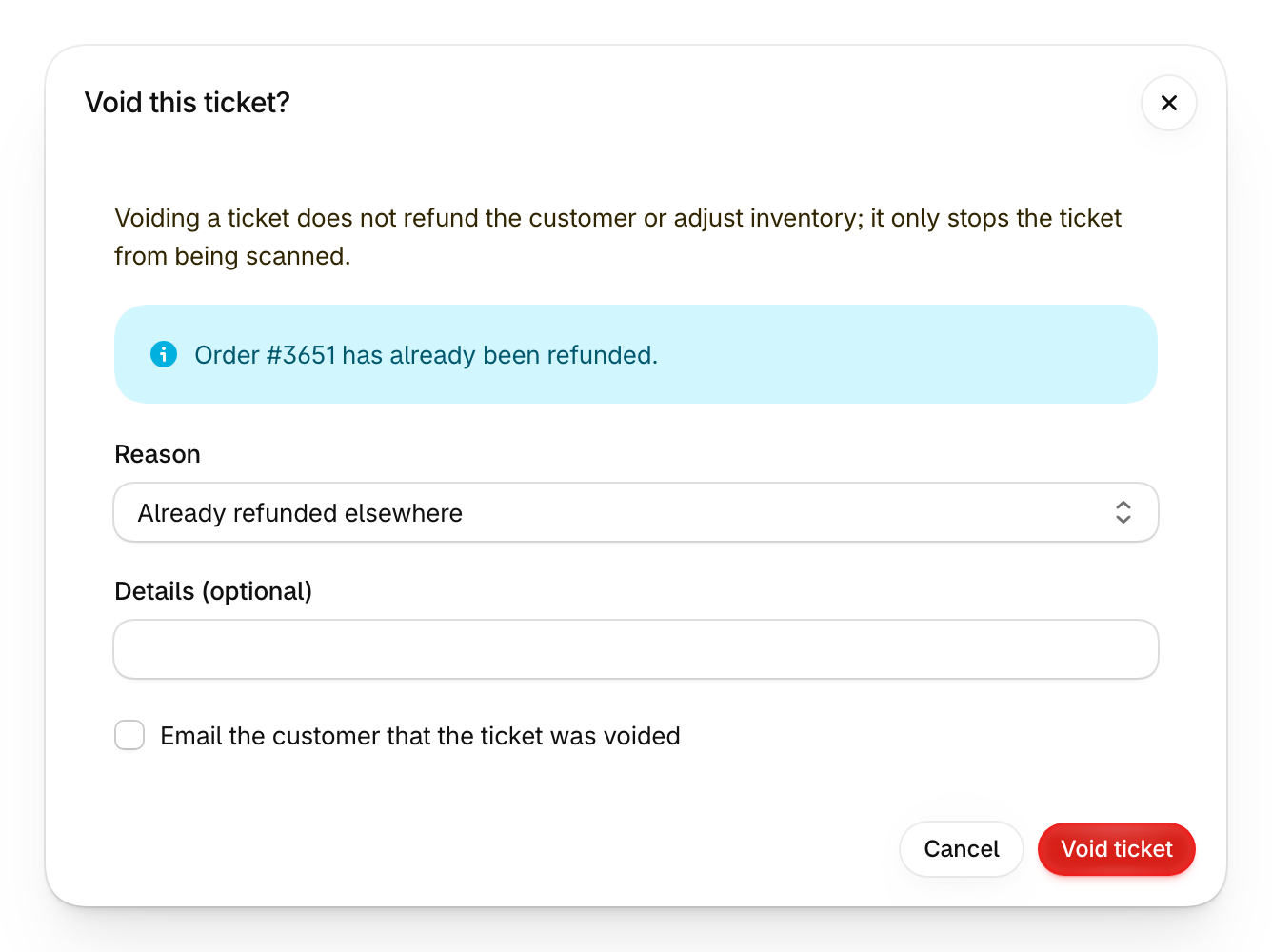
Deleted items stay in the trash and can be restored for 90 days, then they are permanently removed.
Also this month
·
New
Add and remove check-in tags through the API
The API can now add and remove check-in tags on a ticket and list all of your tags. Learn more
·
New
Archive and restore campaigns in the API
The campaigns API can now archive a campaign that hasn't been sent. Archiving an automatic email turns it off for its event, and restoring turns it back on. Learn more
·
Improvement
Barcode quiet zone, order date and block outlines
Set the blank space around a barcode. In the Shopify app's design editor, you can also print the order date on tickets and show block outlines on the preview. Learn more
Give each ticket type on an event its own question set, or Collect no questions, from the Question set row in Event setup, or on an event's ticket type in the dashboard. Read more
·
New
Duplicate ticket and wallet designs
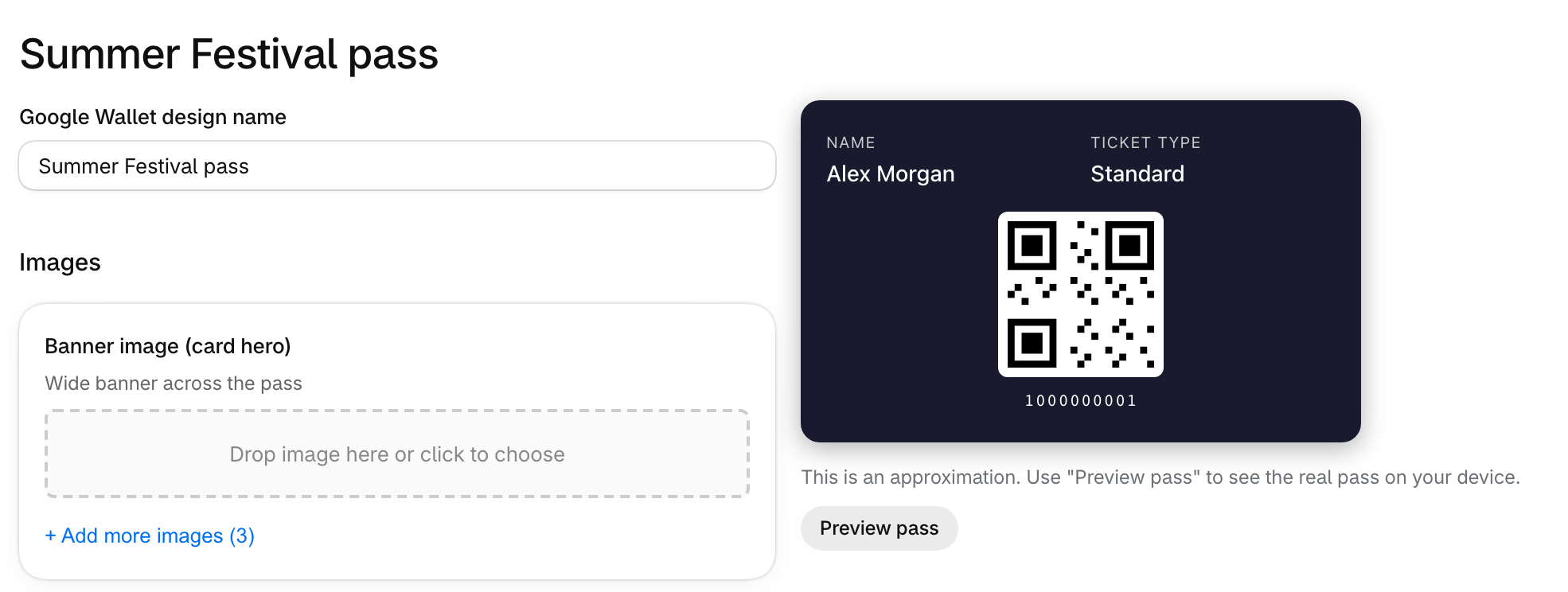
Choose Duplicate on any ticket, Apple wallet or Google wallet design to start a new one from a copy.
·
Change
API keys can expire, roll and be revoked
Give a new API key an expiry date, roll or revoke it from the API keys list, and copy it when it's created because it's shown only once. Learn more
·
Improvement
Search arrivals and get check-in totals in the API
The API can now search arrivals by guest name, email or barcode, filter them by ticket type, and return check-in totals for an event. Learn more
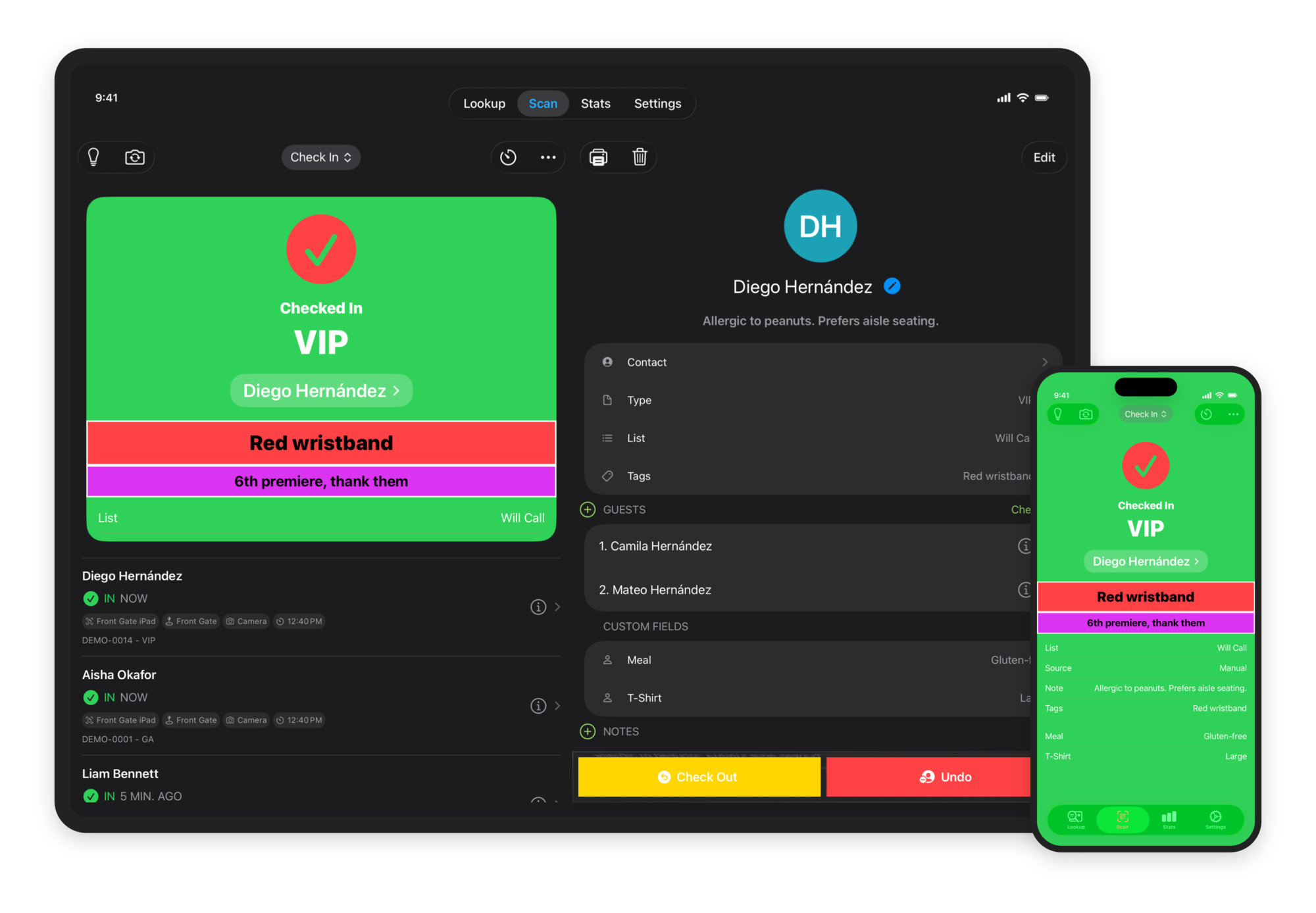
Pick a color for each ticket type in the event form, and the check-in app (version 5.0 and later) tints that ticket type's scan results to match your wristbands. Read more
·
Improvement
Tags and ticket type colors in the API
The API can now return a ticket's tags, filter tickets by tag, and read or set a ticket type's color. Learn more
·
New
Hints when a name mentions a date
The event form now shows a hint when an event name's date differs from its start, or a ticket name mentions a day or time. Learn more
·
New
Filter campaigns by automation type in the API
The campaigns API now takes filter[automation_type] to list only the automatic reminder or thank you campaigns. Learn more
·
Improvement
Post-event emails can go to all ticket holders
A post-event email can now go to all ticket holders, not only checked-in attendees. Reminder and Thank you emails are now called pre-event and post-event emails. Learn more
·
New
New and returning customer stats
Analytics and a Stats page on Contacts now show new and returning customers, visitors and pass usage, and the schedule shows each day's customers.
·
Improvement
Delayed emails explained
An email the recipient's mail server delayed now says so on the order and attendee pages, and that it is retried automatically.
·
Change
Choose when tickets can be transferred
Each ticket type now has a Transfers setting (Always, Until downloaded or Never). Learn more
·
Change
Passes no longer show a date
A pass covers every date of its event, so it no longer shows a start date on the order status page, emails, PDF tickets or Apple wallet.
·
New
Choose what happens to answers on transfer
Each question now has an Answer on transfer setting, and waivers ask the new ticket holder to sign by default. Learn more
·
Improvement
Ticket discounts in the API
A ticket's line item in the API now includes promo_total, the discount applied to that line, so you can see what a guest actually paid. Learn more
Show 16 moreShow fewer
·
Improvement
Edit and create tags without leaving the page
Edit a tag right from an attendee's tag menu, and create or search tags from Settings > Tags in a pop-up form.
·
New
Paste a list to filter attendees
Paste names, emails or barcodes to filter an event's attendees, and filter events by whether they have attendees.
·
Improvement
Edit answers on the attendee page
Edit an attendee's answers on their page in the app, with the ticket's QR code, order, downloads and check-ins in a side panel.
·
Change
Undo check in moves to the Edit menu
On the Attendees page, Undo check in is now in each row's Edit menu, and items not set up yet show a muted circle instead of a red x.
·
Improvement
Lay out a ticket design from the event page
When an event has no ticket design yet, you can now lay one out yourself right on the event page, next to the designer and artwork upload. Learn more
·
Improvement
Email templates can show the parent event name
Email templates can now show a dated event's parent event name, so a time slot's email can name the series it belongs to. Learn more
·
Improvement
A clearer Billing page, now in the sidebar
The Billing page now shows your plan, credits and recent invoices in clear sections, and you can open it from the main sidebar. Learn more
·
Improvement
More ticket changes reach scanners in real time
Alongside orders, imports and changes from other devices, connected scanners now also get new and edited tickets, accepted transfers and guest registration changes within seconds.
·
Improvement
Public pages get a fresh look
Your event, checkout and ticket pages now use a cleaner font, larger text and underlined links that buyers can spot more easily. Learn more
·
Change
API scans say not_found for unmatched barcodes
A scan whose barcode matches no ticket now reports the action not_found instead of unknown in the API, and filters still accept unknown.
·
Improvement
API tickets include their registration time
Tickets in the API now include registered_at, and you can ask for each ticket's registration link with include. Learn more
·
Improvement
Help links at the bottom of our emails
Emails from Guest Manager support now end with links to the help docs, what's new, and a reply address for support or feedback.
·
Improvement
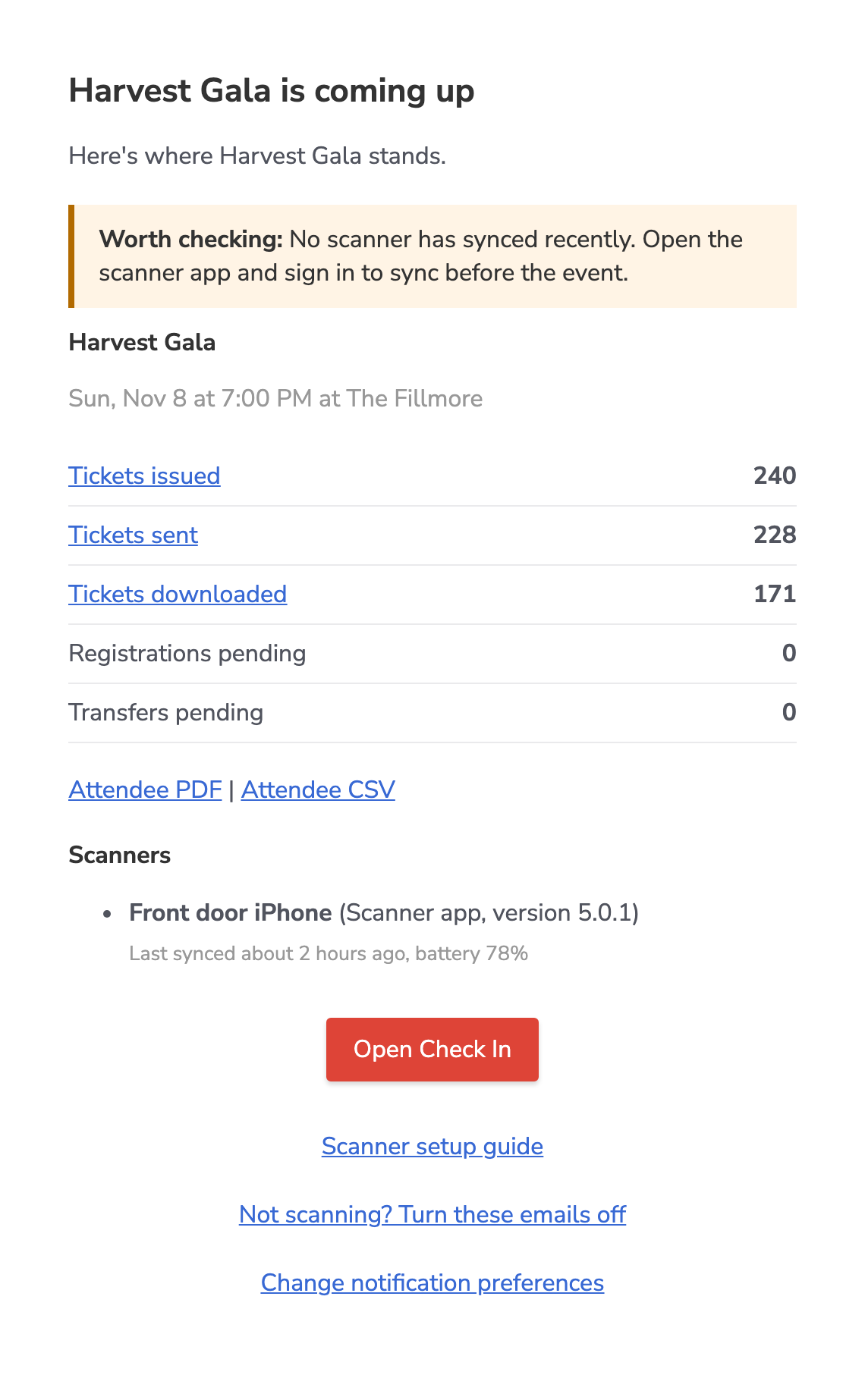
Event report emails show the full recap
Event report emails now show check-ins, no-shows and turned-away scans by ticket type, and several events on one day arrive as one email. Learn more
·
Improvement
Checklist checks scanners and scan times
The event Checklist now flags scanners that haven't synced or need an update, untested check-in, and ticket types that would be turned away.
·
Improvement
Move manually added tickets to another date
You can move an imported or manually added ticket to another date by editing it, and the API now refuses to move order or party tickets. Learn more
·
Improvement
Find every scan of a ticket by its barcode
Searching scans for a ticket's barcode now finds all of its scans, including manual check-ins.
October 2026
Updates
·
Improvement
Confirm before deleting a list or recurring event
Deleting a list or a recurring event now shows how many attendees and check-ins it holds before anything is removed.
·
Change
Bounced email notices arrive as a digest
Campaign bounces, and transactional bounces past 10 a day, now arrive in one digest email instead of one notice per bounce. Learn more
·
Improvement
Confirm before deleting a ticket field
Deleting a ticket field now tells you how many answers go with it, and suggests removing it from the question set instead.
·
Change
Email templates say which email they are for
Templates now name the email they are for, pickers offer only matching ones, and transfer templates must keep their action links.
·
Improvement
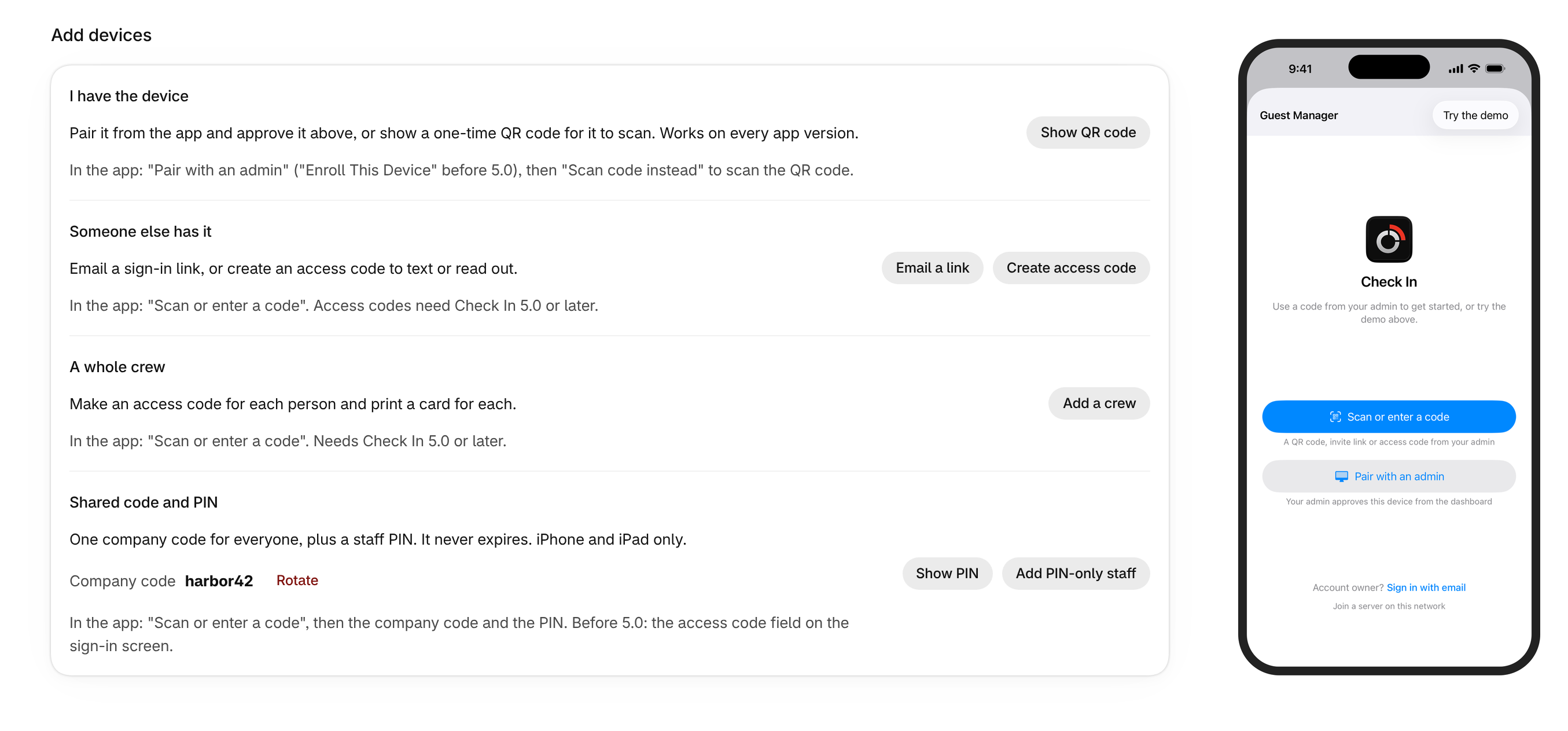
Access code and PIN in the Add device window
The Add device window now shows your access code and PIN, so you can sign in a device the older way without leaving the page. Learn more
·
Improvement
Transfers table shows the accepting IP address
The Transfers table and its export now show the IP address each ticket transfer was accepted from.
·
Change
Returning buyers sign in with an emailed link
Returning buyers at checkout are now offered a sign-in link by email first, and see a password field only if they set one.
·
Improvement
Finish mapping an import later
An import still waiting on its column mapping now has a Map columns button, so you can come back and finish it. Learn more
·
Improvement
Scanners pick up rule changes faster
Connected scanners now update within seconds when you change scan rules, and a refused scan says when the ticket is valid.
·
Improvement
Email templates flag unknown field tags
Email templates now warn when a custom field tag matches no ticket field.
·
Improvement
More ticket design layout options
Ticket designs can now stretch the background to the edge or keep it inside the margins, and show a venue's address and postcode.
·
New
Choose a 12 or 24 hour time format
Pick 12 or 24 hour times in your store settings, and times on emails, tickets and guest pages follow it.
·
Improvement
Change your billing contact
Change who receives billing emails yourself from the billing page, on any plan.
An archived device can now be unarchived from the Devices page.
·
New
Set the issuer name on Apple Wallet passes
Choose the organization name shown on your Apple Wallet passes, in the design editor or through the API. Learn more
·
Change
Ticket types API filters by archived
The ticket types API now accepts a true or false archived filter, and attendee questions are set only through question sets. Learn more
Show 8 moreShow fewer
·
New
Events API shows ticket change rules
The events API can now return each event's ticket change rules when you ask for them. Learn more
·
Improvement
Your logo on more guest emails
Ticket transfer, multiple ticket and check-in emails now show your event image or logo at the top.
·
Change
Button labels move to question sets
Register and edit button labels are now set on the question set, not on each ticket type. Learn more
·
New
API lists and resends ticket and order emails
Ask for related_emails on tickets and orders to see what was sent, and resend any email with POST /emails/:id/resend. Learn more
·
Change
Question sets API now uses questions
The question sets API now lists each set's questions by question_id, moves fields to /questions and drops the old include and require flags. Learn more
·
Improvement
More control over when sales stop
Sales can now stop when the next session starts, and the Sales page shows when sales stop for each date. Learn more
·
Improvement
Cancelled tickets update in Apple Wallet
When you cancel a ticket, the pass in your guest's Apple Wallet now updates to show it is no longer valid.
·
Change
Saving checks Shopify's variant limit
Saving an event that would go over Shopify's variant limit is now refused with an error, instead of failing during product sync. Learn more
 Read more