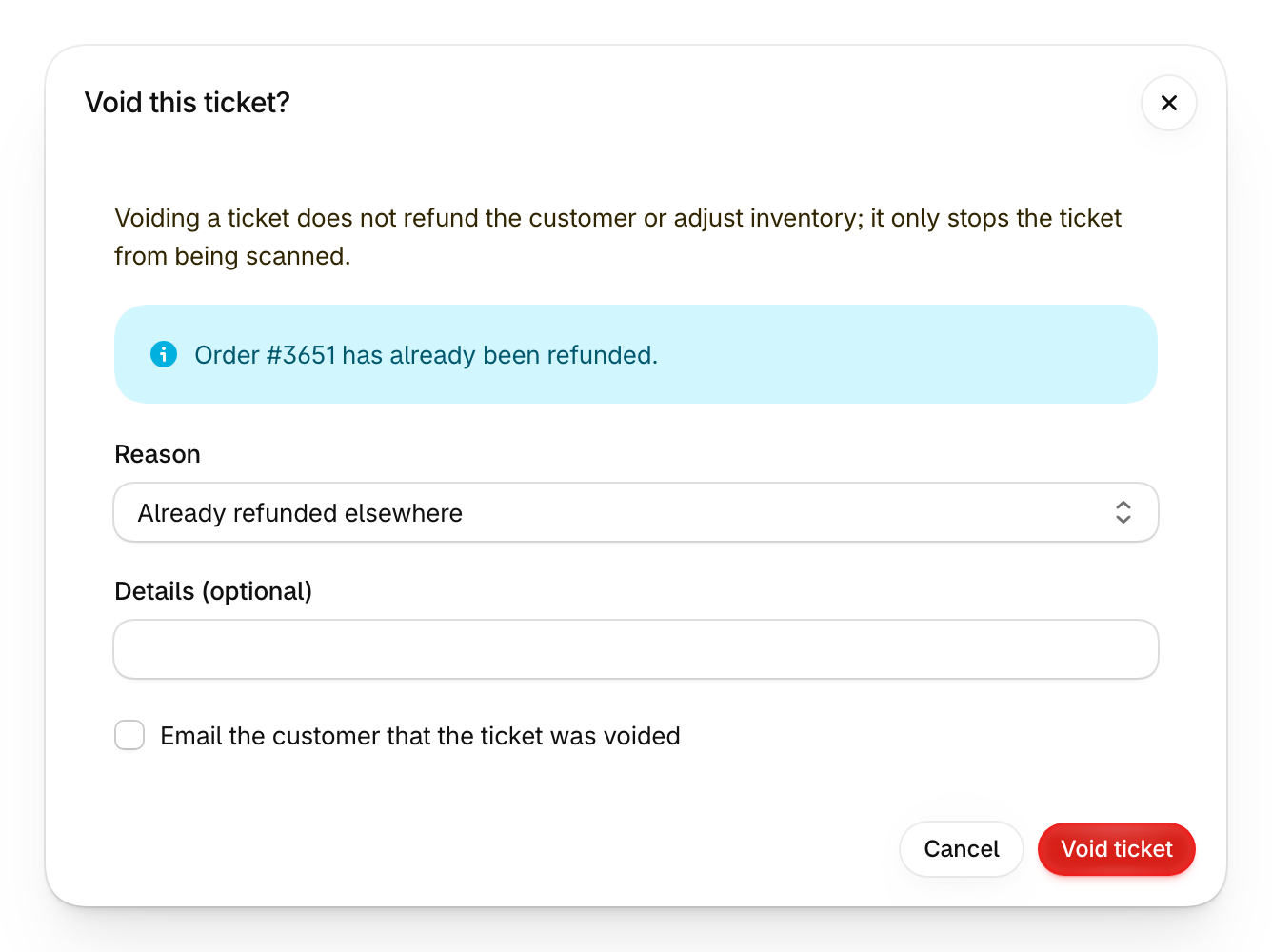
Void a ticket when it should no longer get anyone through the door: a duplicate, a no-show, or an order you already refunded somewhere else.
Where to find it
In the Shopify app:
- One ticket: open the attendee, then choose Void ticket from More actions.
- Several tickets: on the Attendees page, tick the tickets, then choose Void tickets.
In your Guest Manager dashboard, tick the tickets under Attendees, then choose Void from the bulk actions.
How it works
In the Shopify app, pick a reason, add details if you want to, and choose whether to email the customer. When you void one ticket and its order still has money on it, the dialog offers a refund first.
Voiding stops the ticket from being scanned. It does not refund the customer or adjust inventory, and you can’t undo it in the Shopify app.