Set up your own email domain yourself, so the emails your guests get come from an address they recognize.
Where to find it
In the Shopify app, go to Settings, select Sender preferences under Emails, and find the Sending domain section.
How it works
- Enter an Email address on your domain and select Authenticate.
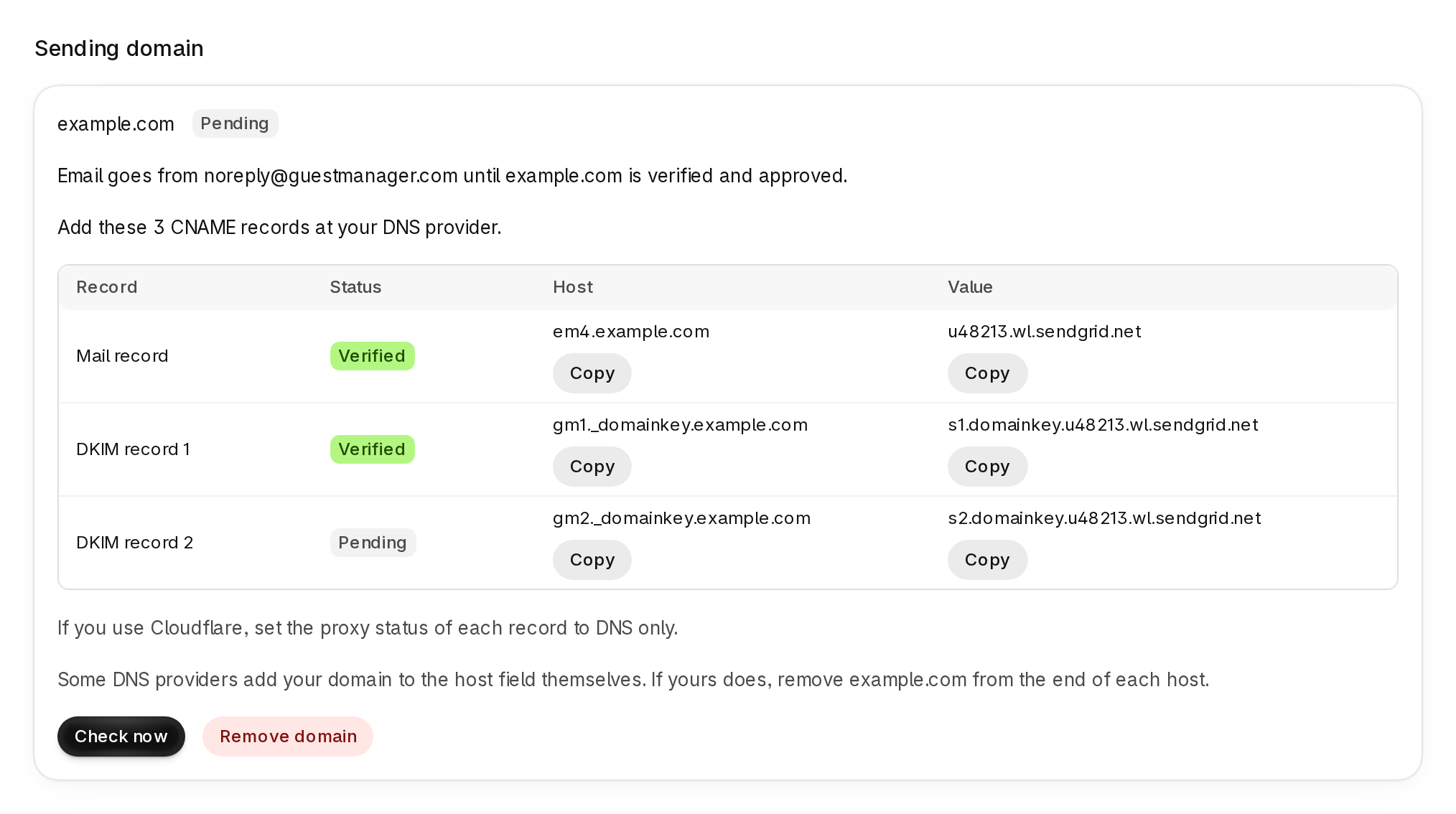
- Add the three CNAME records shown (a Mail record and two DKIM records) at your DNS provider, then select Check now.
- Once your records are verified, we review the domain. When it shows Authenticated, email goes from your address.
Until then, email goes from the default sending address. An address on a domain that is not authenticated now sends from the default address too. If you already sent from your own domain, the section shows what to add and the date to add it by.