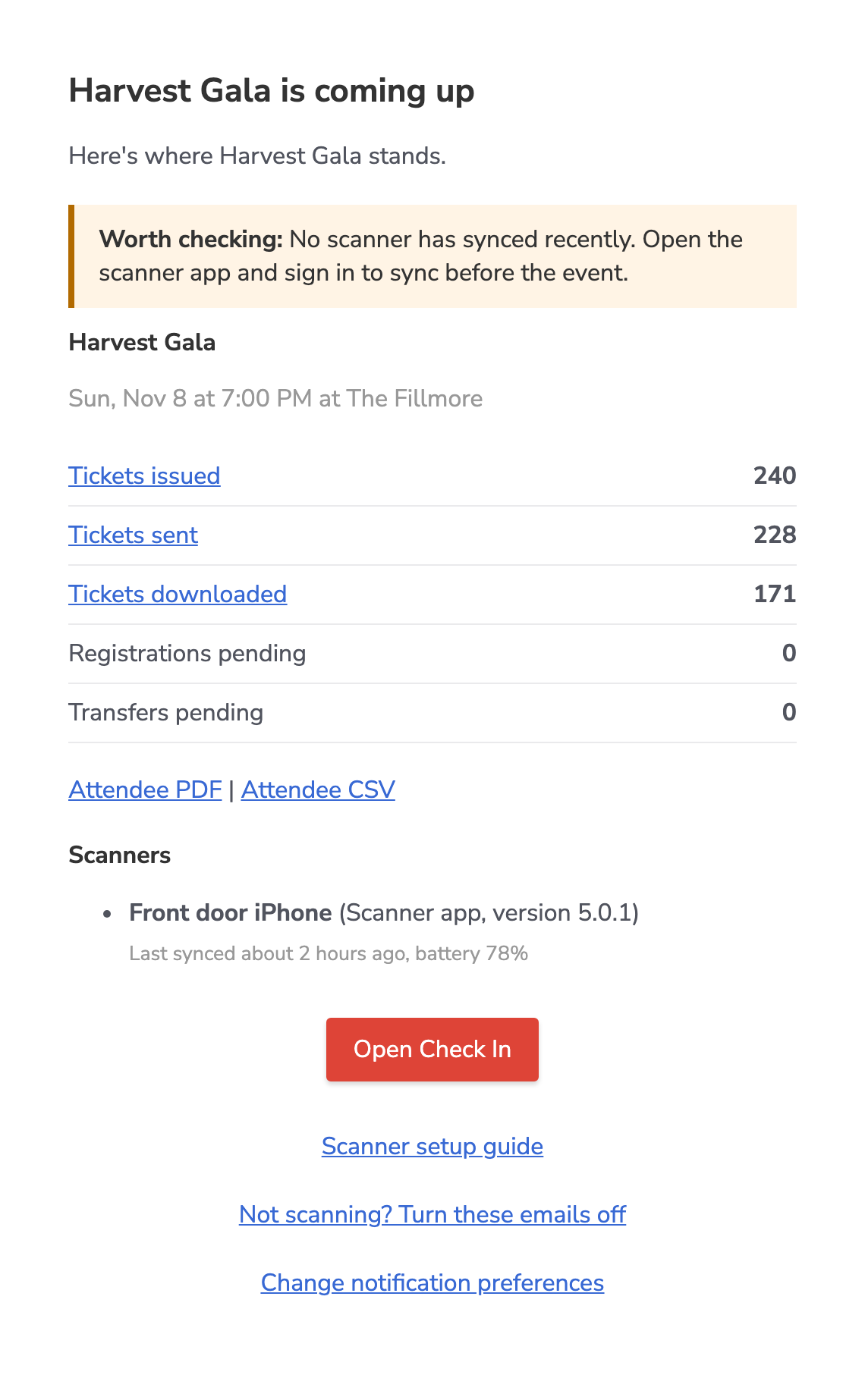
Game-day emails help you catch check-in problems while there is still time to fix them. The account owner gets one ahead of events with at least 10 tickets.
Where to find it
- We send them automatically: at 7am two days before an event, and again about two hours before it starts. With 3 or more events in a week, you get one morning email on each day with events instead.
- In the Shopify app, open Check In and use Game-day emails to choose Daily, Flags only or Off.
- Every email also has a link to change how often you get them.
How it works
- Each email lists your ticket counts and anything worth a look before the event starts, such as a scanner with a low battery or a ticket setup that could stop guests from checking in.
- Links in the email open the matching lists in Event Ticketing.
- Choose Flags only to skip the morning roll-up on days when nothing needs attention.