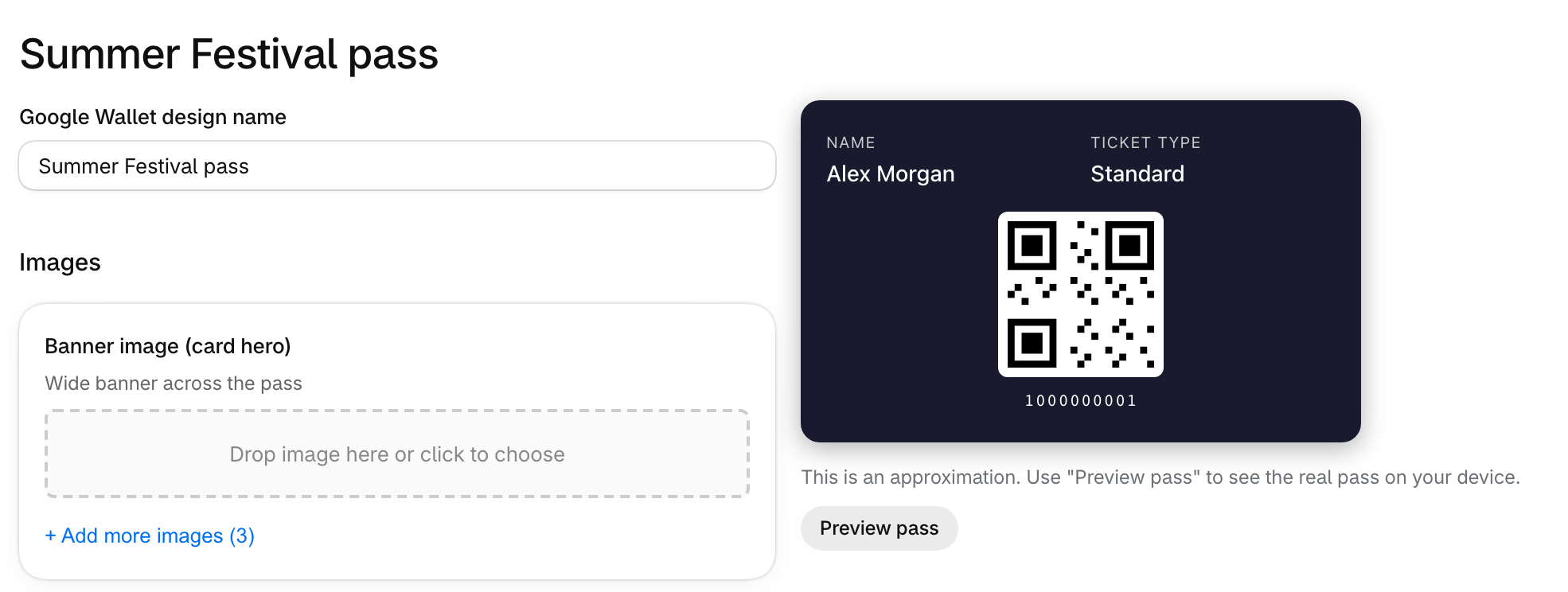
Guests on Android can keep their tickets in Google Wallet.
How to set it up
In the Shopify app, go to Settings, then Google wallet under Designs, and create a design. To use a different design for one event, change it in Event setup on that event.
Choose Preview pass to see the real pass on your device.
What guests see
An Add to Google Wallet button appears in their ticket emails and on the thank you, order status and Your tickets pages.