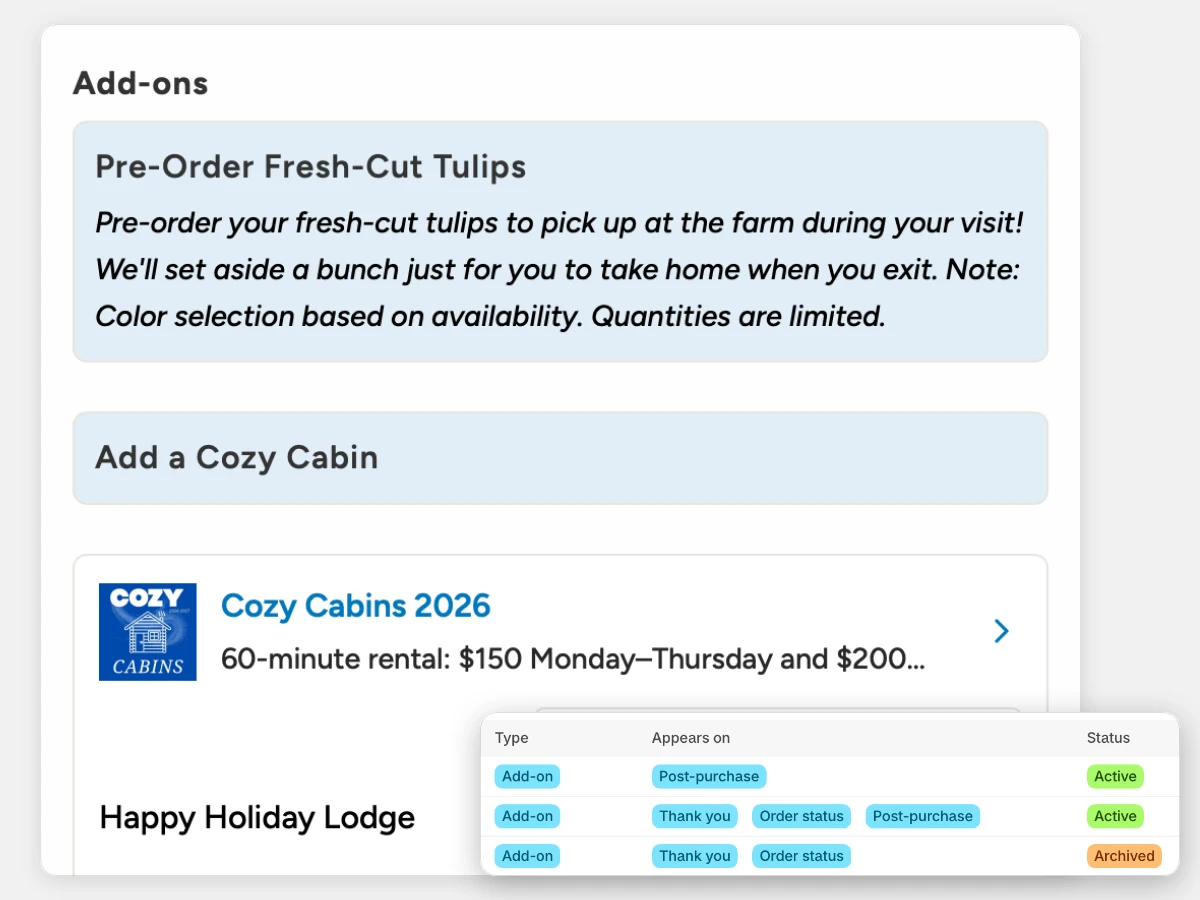
Offers let you pair extra products with your tickets, so a buyer who picks a weekend pass is also offered parking, a tote bag or an upgrade. You choose which products go together and where the offer shows, and you can attach a discount.
Where to find it
In the Shopify app, open Offers from the app menu, then choose Create offer.
How it works
- Add-on offer: suggest extra products alongside a ticket, with an optional discount. Under Linked products, connect the ticket to the product you’re offering and pick its Timing, such as Same day.
- Ticket requirements: require one ticket type before buyers can add another for the same event, such as an adult ticket with every child ticket.
- Surfaces: turn on Show offer for each place it should appear: Ticket picker, Cart, Thank you, Order status, Post-purchase and POS. The Installed column tells you whether each place is set up in your store.
- Discount: attach an existing discount, or create one for these products.
Offers is on the Advanced, Professional and Plus+ plans.