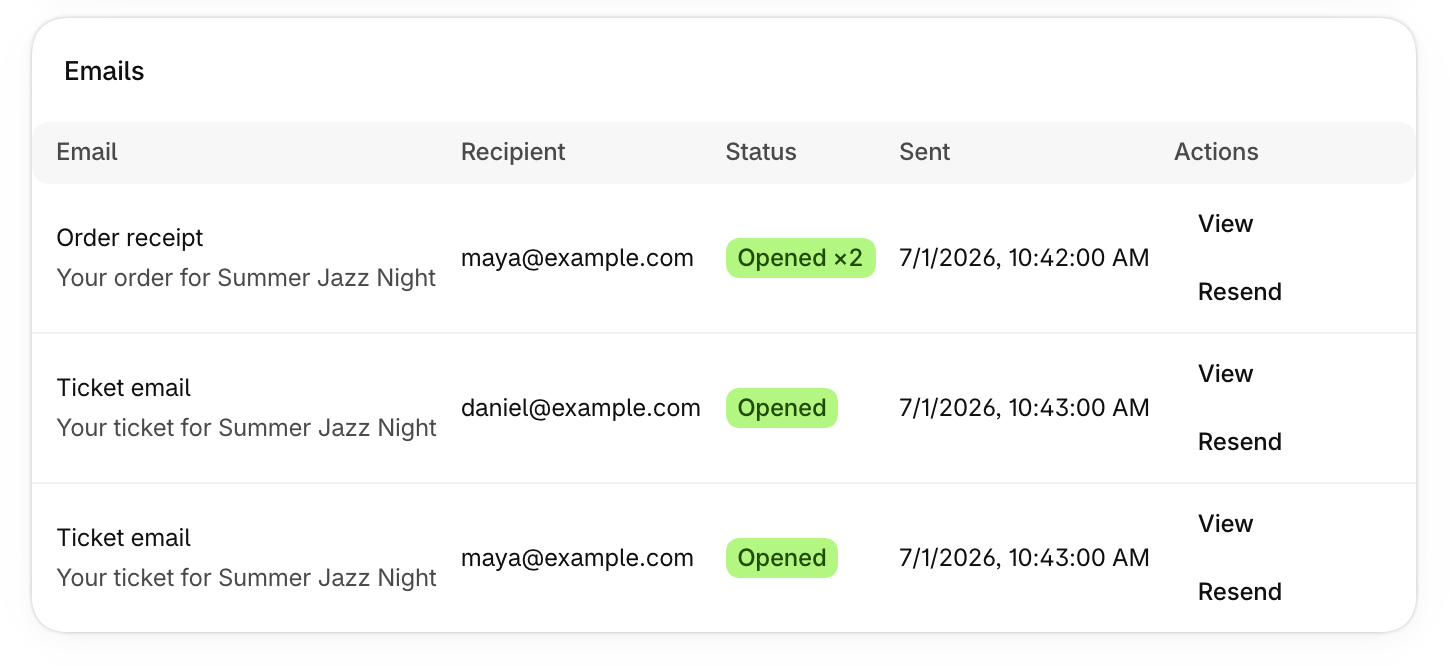
When a guest says they never got their tickets, you can now see exactly what was sent.
Where to find it
Go to Orders and choose an order number. Email activity is also on each attendee’s page, under Attendees.
What you can do
- See the order’s tickets and who holds them.
- See each email, who it went to, and whether it was opened.
- Choose View to see the email as it was sent, or Resend to send it again.
- Use Email tickets or Refund at the top of the order.