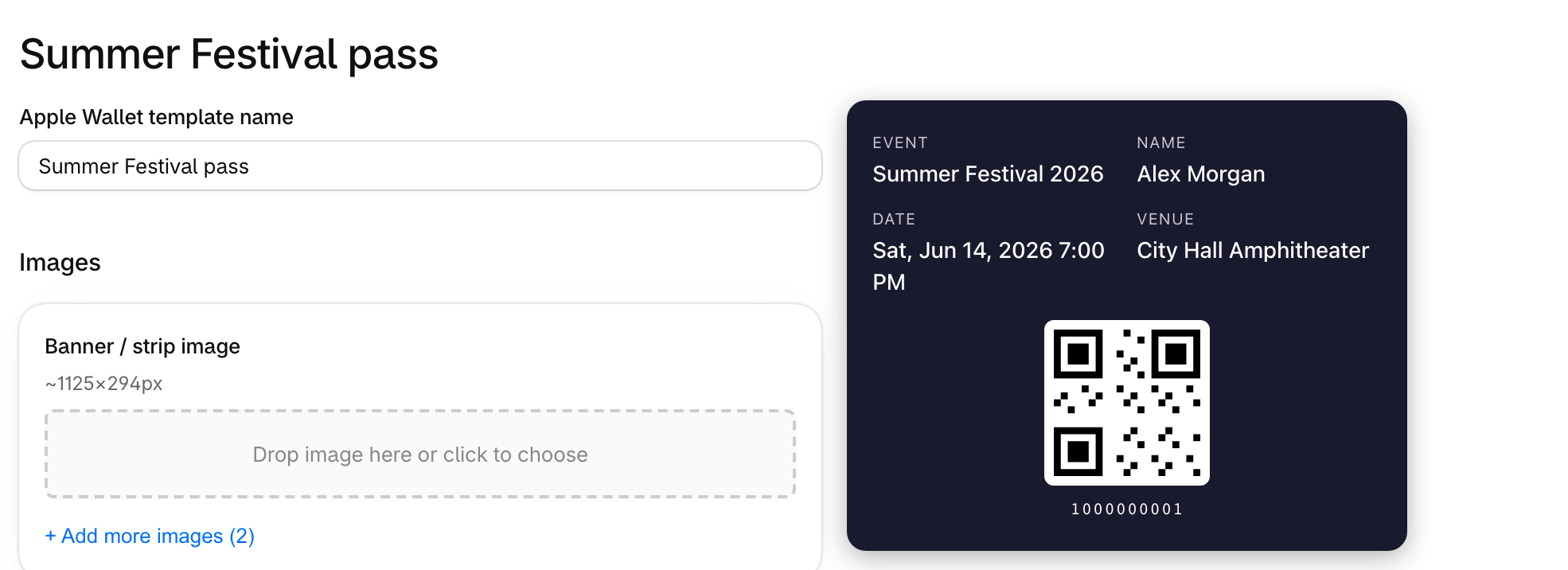
Design your tickets and see the result as you work.
Where to find it
Go to Settings, then PDF or Apple wallet under Designs. You can also open a design from Event setup on an event.
How it works
- PDF tickets: a new design starts with a style. Standard gives you a banner image and fixed ticket fields. Design lets you place fields and a QR code anywhere, including your own custom fields.
- Apple Wallet passes: add images, set colors and choose which fields show.
- Preview: the preview updates as you edit. Download or email a sample to see the real thing.