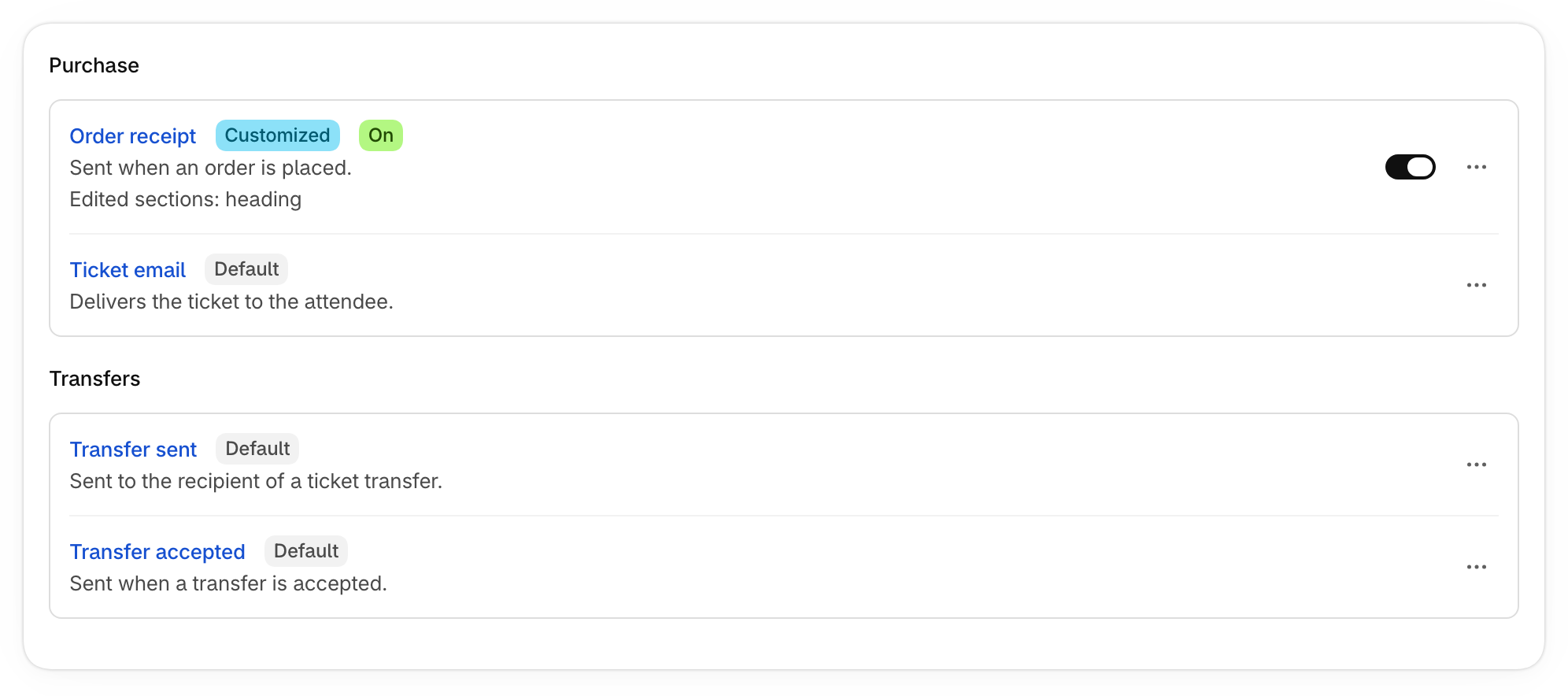
Your emails, branding and sender details now live together in Settings.
Where to find it
Go to Settings:
- Brand, under Designs: your accent color, logo and email banner.
- System emails: every email your store sends. Send a test, edit the wording, or turn off the order receipt’s tickets.
- Custom templates: your library of saved email templates.
- Sender preferences: your from name and reply-to address.
Emails for one event
Open an event and find Emails in Event setup. Choose Customize wording to change one email for that event, or Use a template to apply a saved template.
Custom templates are on the Professional and Plus+ plans, and are reviewed before they send.