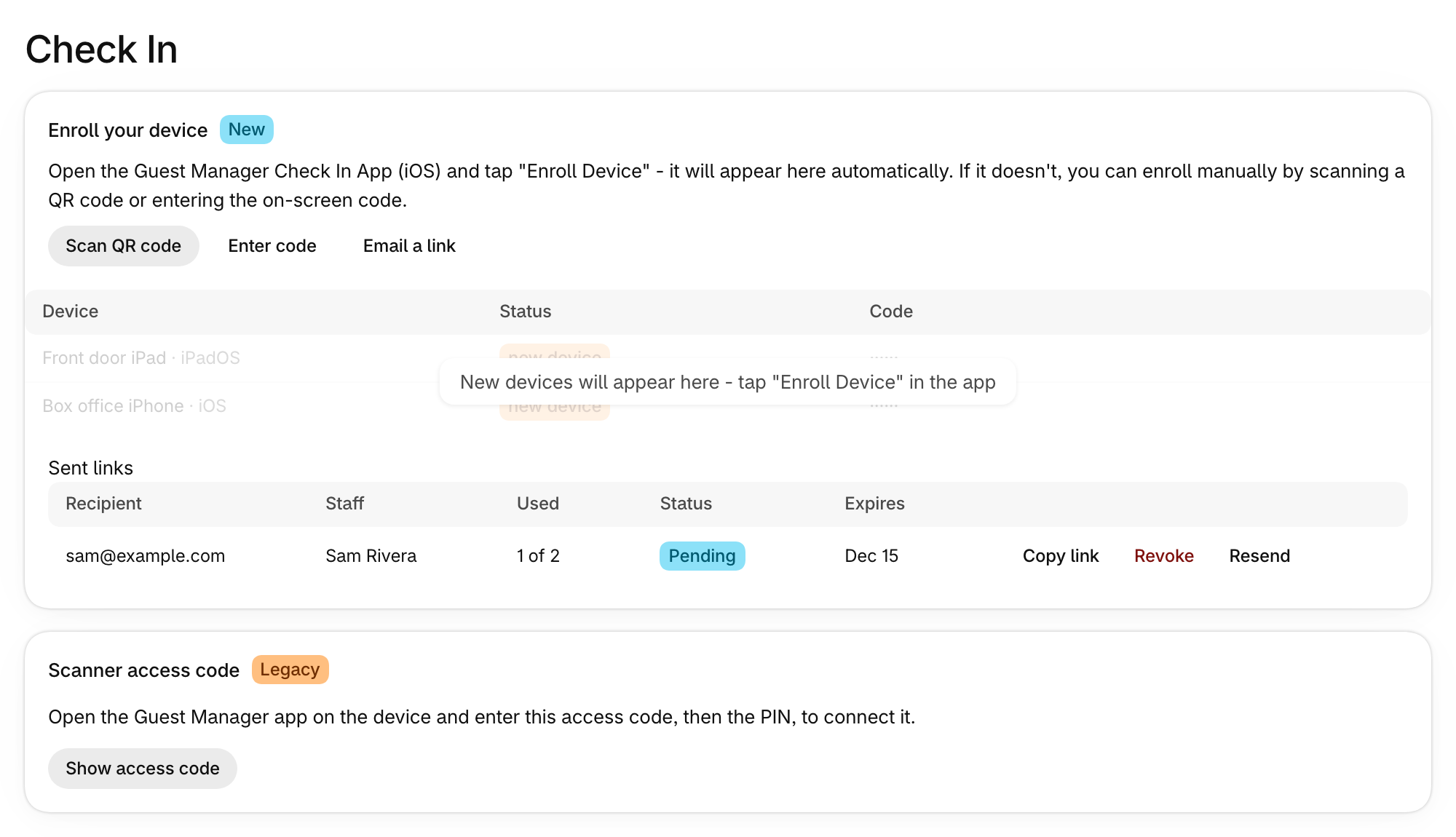
Everything you need to get scanning is now on one page.
Where to find it
Choose Check In in the app’s menu.
What’s on it
- Get set up to scan: the Guest Manager Check In app and Shopify POS, each with a setup guide.
- Enroll your device: tap Enroll Device in the iOS app and the device appears here. You can also scan a QR code, enter a code, or email someone a link.
- Scanner access code: the older way to connect a device. Choose Show access code to see the code and PIN.
- Devices and Staff: once you have a device, see who can scan and when each device was last active, and revoke a device you no longer use.