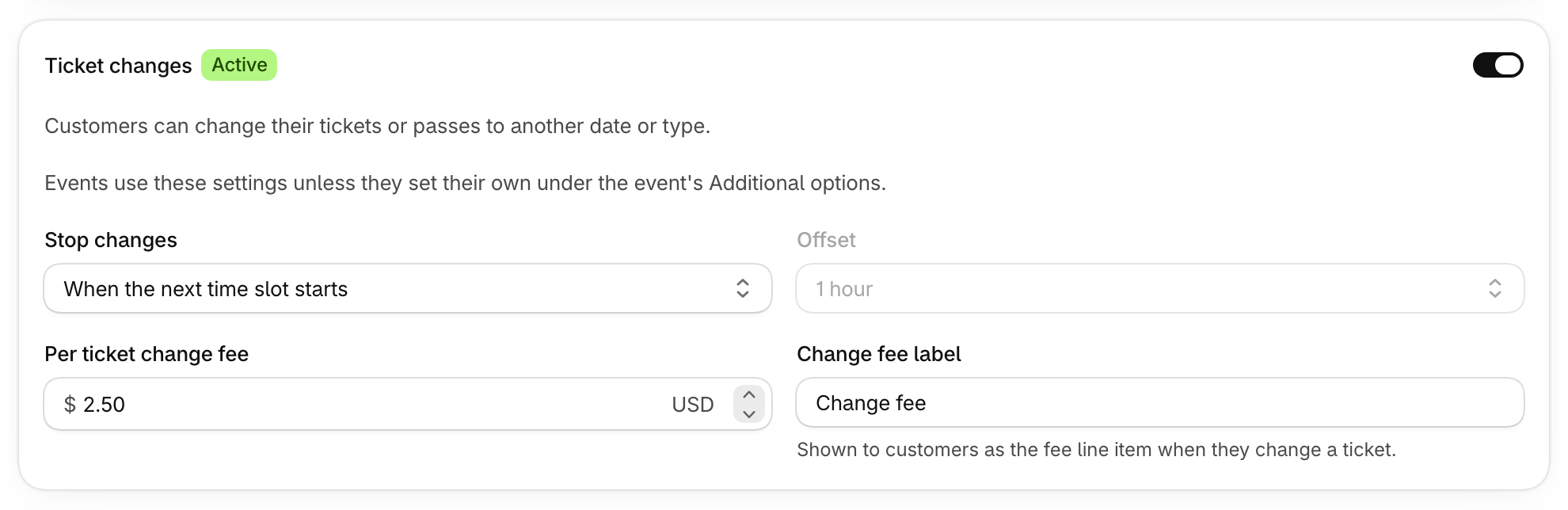
Guests can move to another date or ticket type without contacting you.
How to set it up
- Go to Settings, then Products & sales, and turn on Ticket changes.
- Choose when changes stop, and add a per ticket change fee if you charge one.
- Add the Change tickets block to your customer accounts. The Store setup card on an event links you there.
An event can set its own rules under Additional options.
What guests see
Guests pick a new date or ticket type, review the change, and confirm. Any price difference is charged or credited, and they can see how long they have to make changes.
Ticket changes are on the Professional and Plus+ plans.